
Your Poke Survivor app starting point
Open pokesurvivor.com/en/ in your phone’s browser. You can play there or add the original game to your home screen using the browser’s web-app option. The Poke Survivor app setup described here is a website installation, not a native-store download. Adding this independent guide creates a shortcut to this guide, not to the original game inside our iframe. Keep online access available, especially for accounts and co-op.
Open the original game before installing
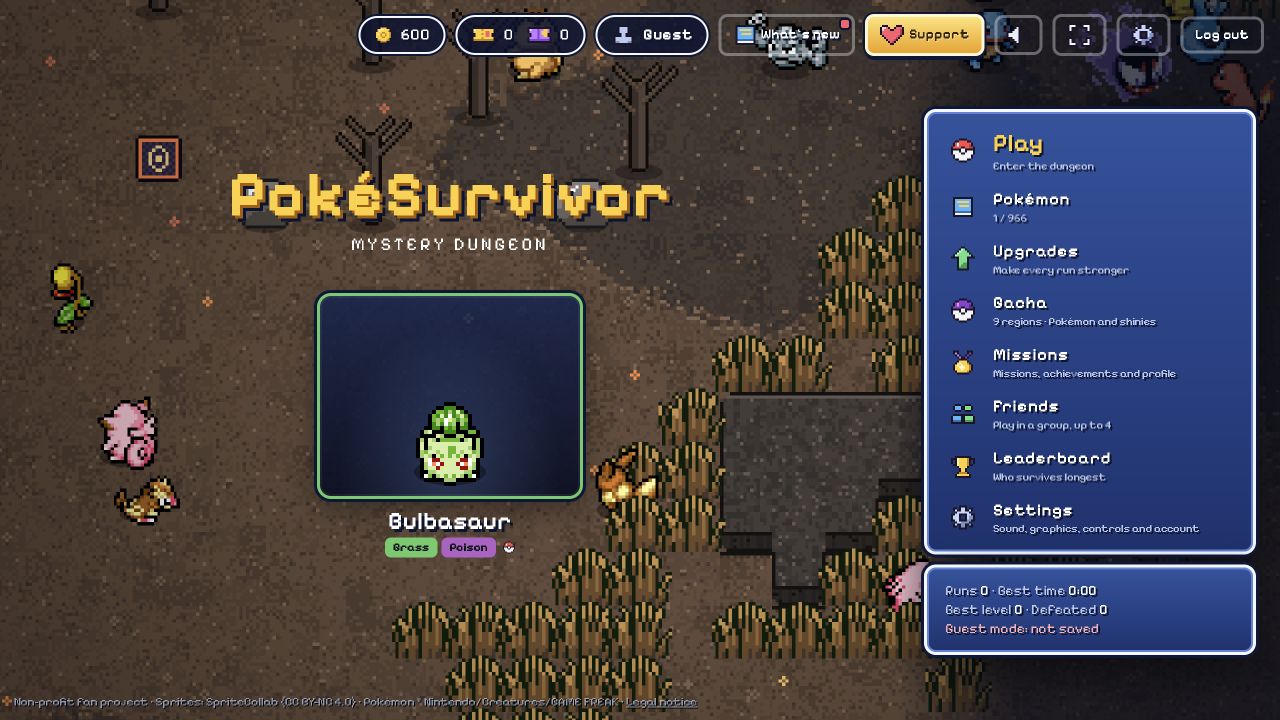
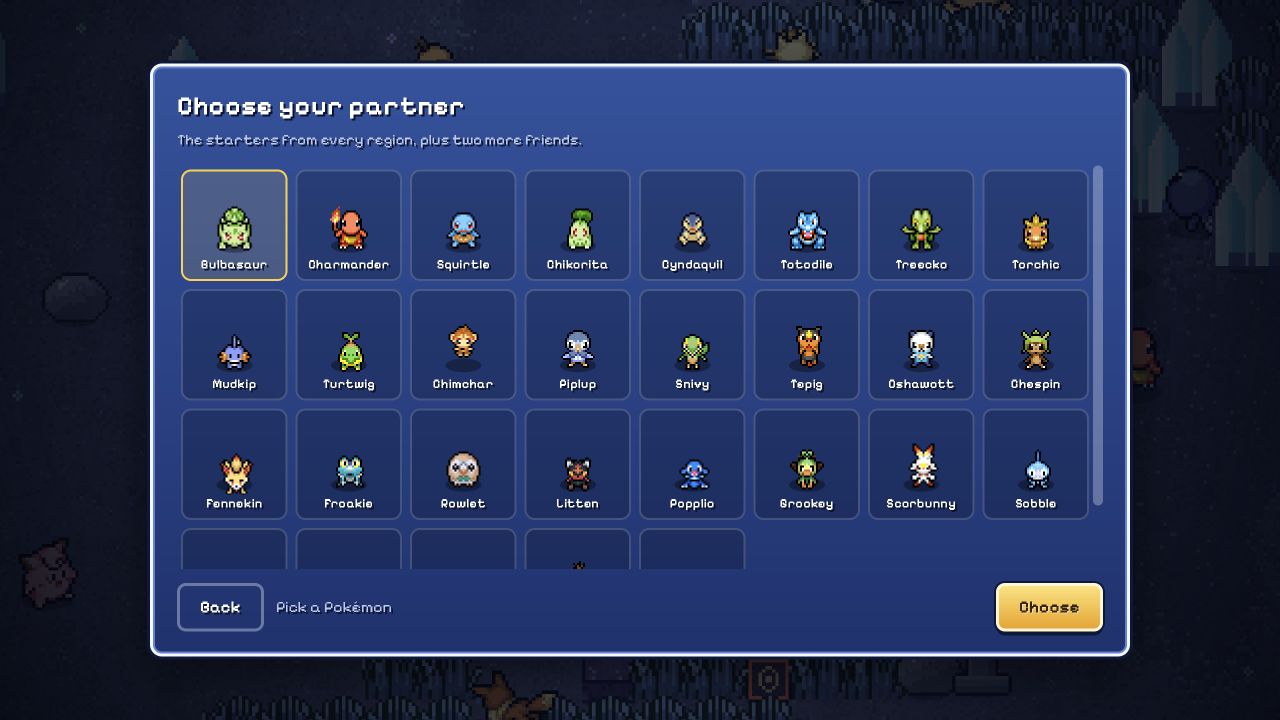
Use the original developer’s game address as the destination for your Poke Survivor app shortcut. The game provides a web manifest with fullscreen display and landscape orientation. Its normal main menu, partner choices and progression remain the same browser game.
Our homepage embeds that game for quick play, but a home-screen action on this fan page targets this fan page. Open the original in a new tab first when you want its dedicated shortcut.
Poke Survivor app setup on iPhone and Android
On iPhone or iPad, open the original game in Safari, use Share, and choose Add to Home Screen. If your version shows Open as Web App, turn it on before adding. Apple’s labels and menu placement can vary with the browser layout and system version.
On Android Chrome, open the original game, use the More menu, then Install and create shortcut → Install. Some versions show Add to Home Screen instead; follow the displayed prompt. A Poke Survivor app shortcut still opens the author’s web game.
Get landscape and the joystick working
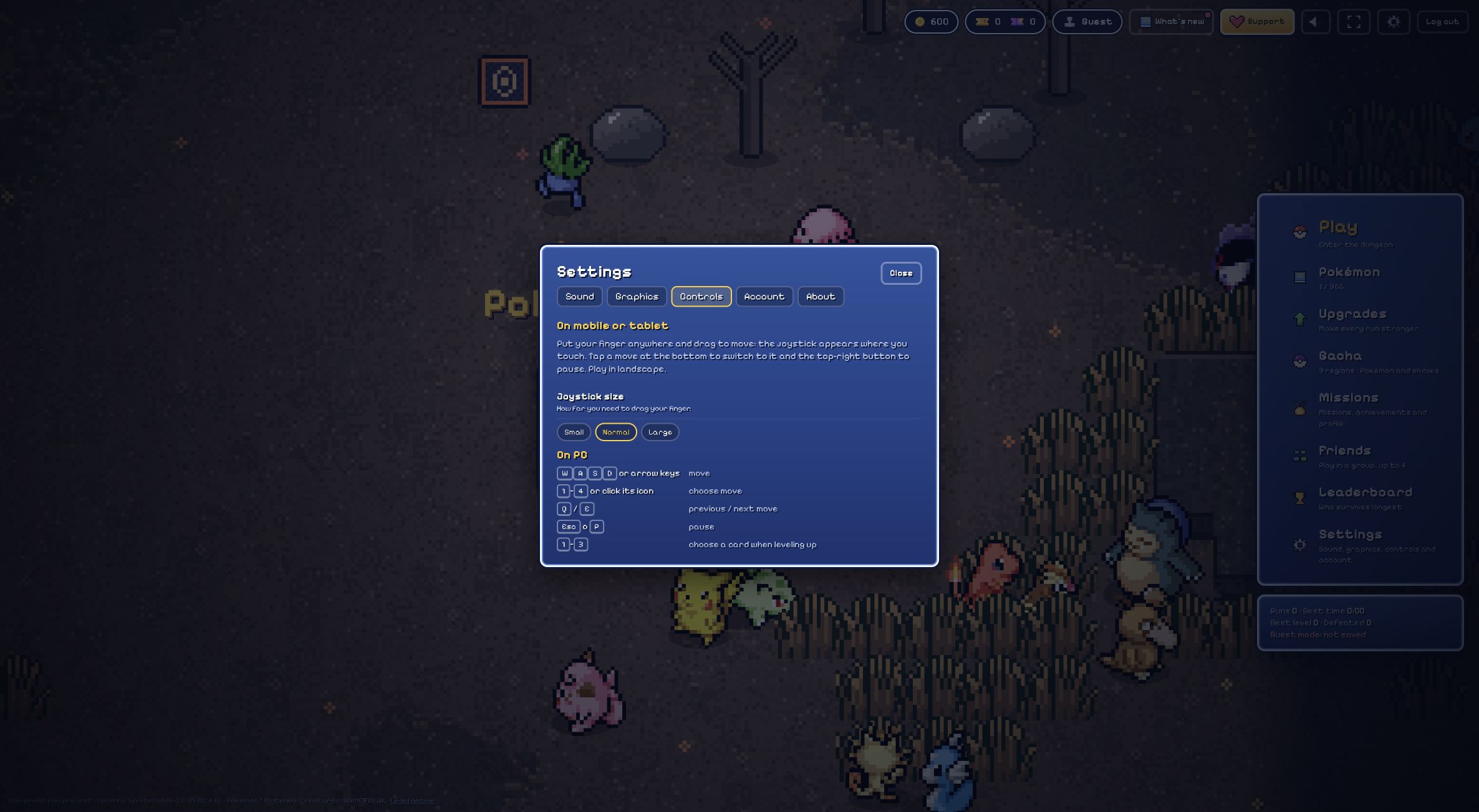
Turn the device to landscape and tap inside the game. Hold and drag an empty part of the playfield to create the floating joystick; release to remove it. Controls offers Small, Normal and Large joystick choices, so adjust the size if your thumb covers too much.
The Poke Survivor app responds to the game viewport’s shape, which can differ from the outer page. A small embedded frame can still feel cramped after rotating the phone. Use our player’s fullscreen control or open the original directly for more space. Physical-phone performance was not measured for this guide.
Choose attacks and pause with touch
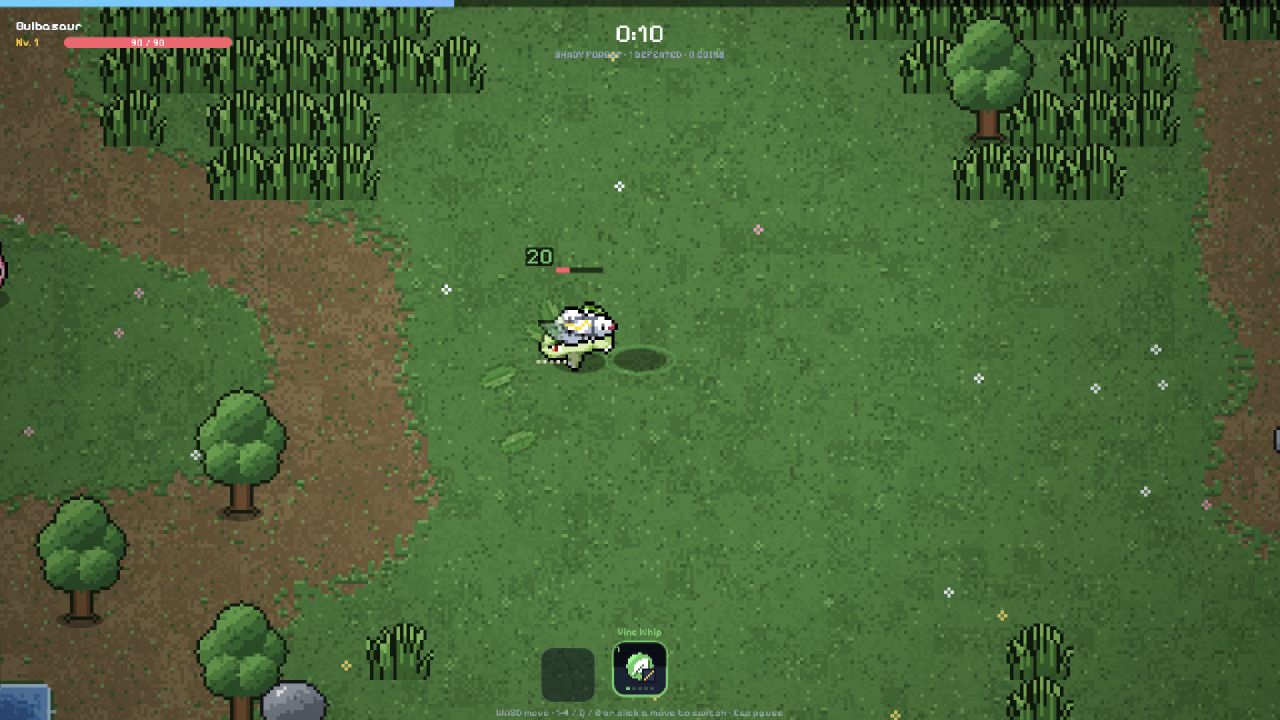
Your active move attacks automatically while you move. Tap the move icons along the bottom to choose the attack you want; use the top-right button to pause. The touch implementation supports moving with one finger while selecting a move with another.
For your Poke Survivor app practice run, locate those controls before moving. A portrait-viewport warning pauses a solo run, but co-op does not freeze everyone else’s world. Keep that difference in mind before rotating or leaving a multiplayer session.
Poke Survivor app progress: guest or account?
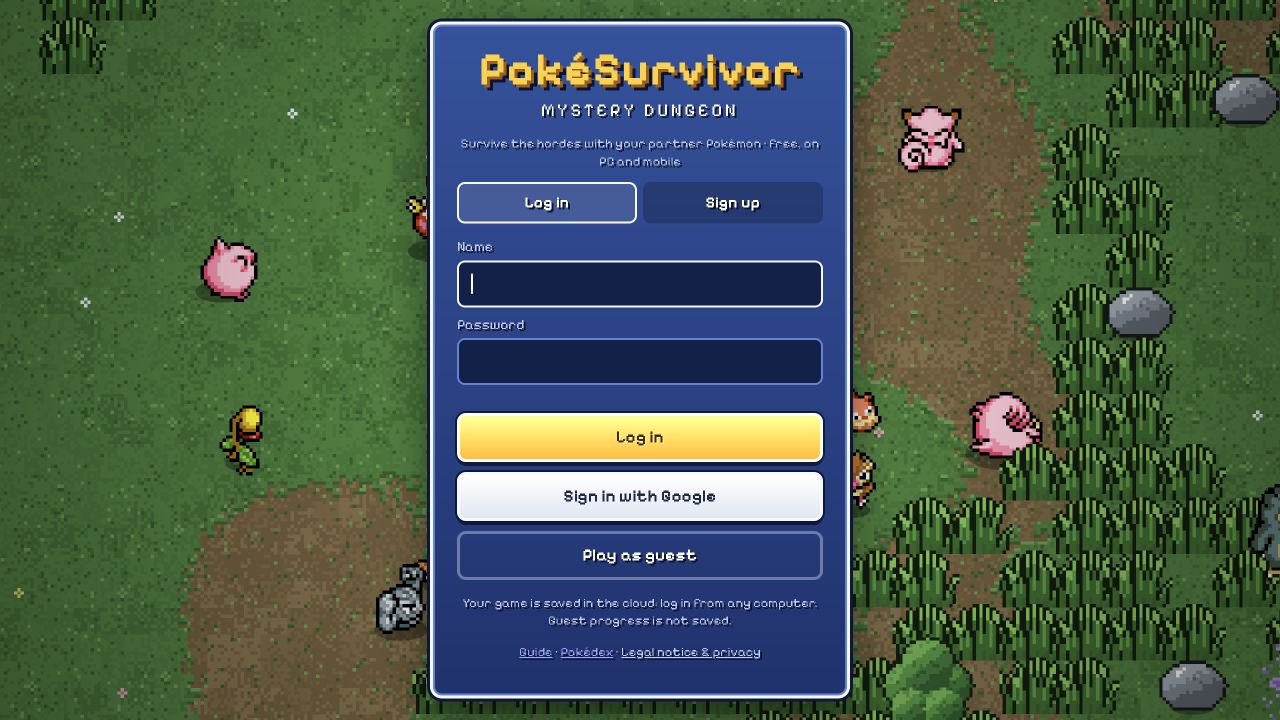
Online guest mode does not save progress when you leave. Creating a home-screen icon does not change that rule. An original-game online account can save collections, coins, upgrades and statistics; check Settings → Account for its current cloud status before changing devices.
For a Poke Survivor app session, distinguish saved progression from resuming an unfinished battle. No same-position resume is promised here. A local account in an offline build saves only in that browser, while the online guest uses temporary progress. If embedded login is troublesome, try the original game directly.
Recover a cramped or interrupted session
If the frame is too small, rotate, expand the player, or move to the original game tab. If keys or taps affect the surrounding page, focus the game first. Read the account’s save status before refreshing; reloading a guest session can discard its progress.
The Poke Survivor app service worker caches code and some previously used assets, but it does not pre-download every sprite or cache external account services. Keep a connection for dependable loading and online features. The author’s separate downloadable solo build is another product path, not a promise that this web shortcut works completely offline.
Questions before your next run
Is the Poke Survivor app an official store download?
This guide verifies the original browser game and its home-screen web-app support. It does not verify an official native App Store or Google Play release. A similarly named download or community port should not be assumed to be the original developer’s product.
Does installing the shortcut save my guest progress?
No. The Poke Survivor app installation changes how you open the website, not the guest saving rules. The current online game says guest progress is not saved. Review the original game’s Account screen if you want its persistent online-account options.
Can I play every part of the game offline?
Do not rely on that. The web app caches some resources after use, but account services and co-op need connectivity, and not all game assets are downloaded in advance. The separate offline solo build has different saving and feature limits.